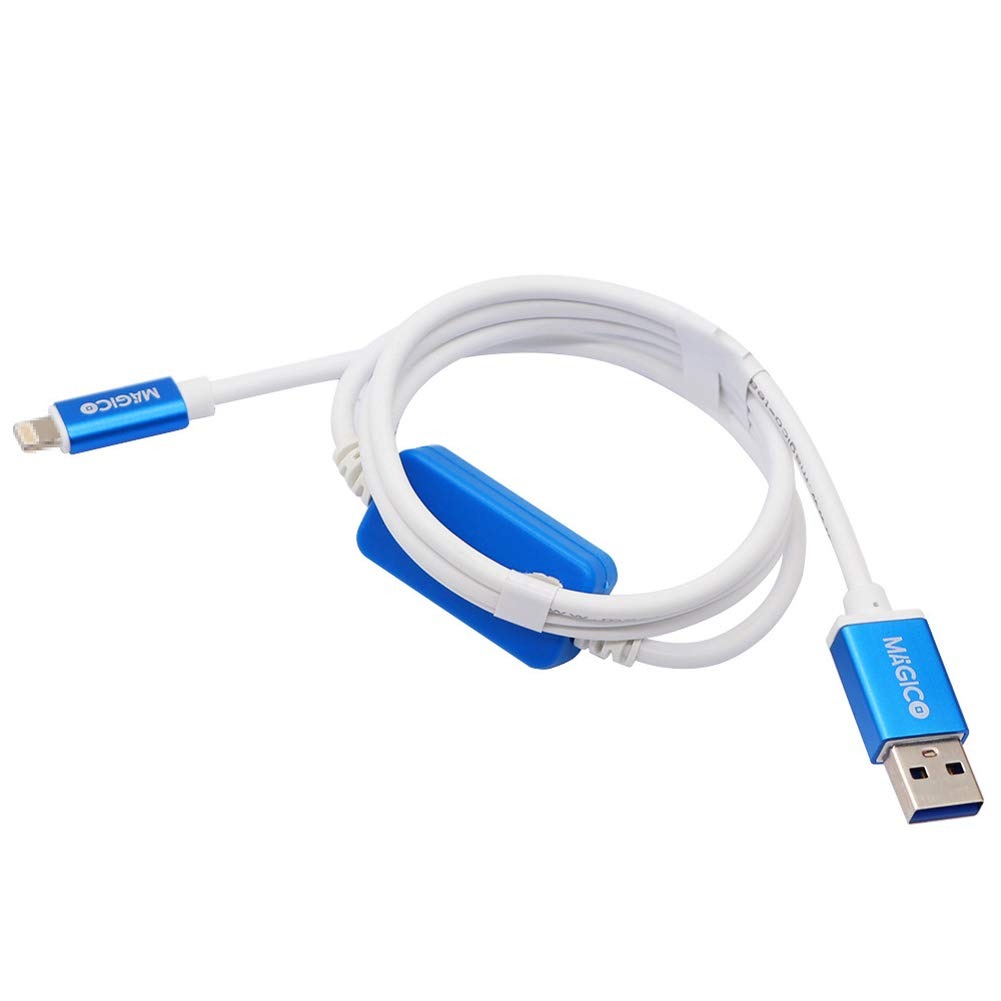
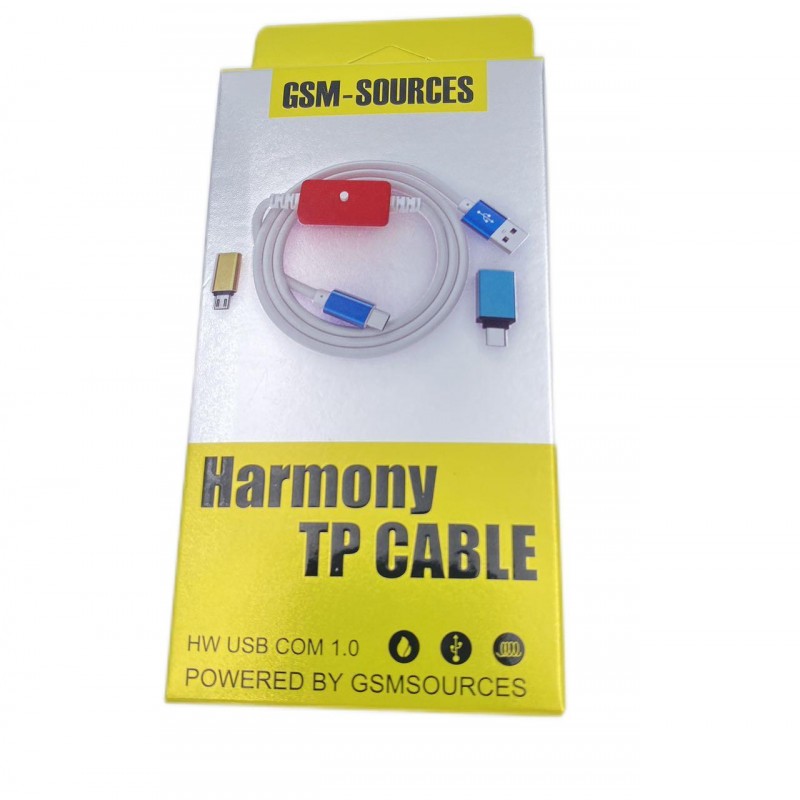
Harmony TP V2.0 Cable Entering Huawei USB COM 1.0 for Harmony OS or Chimera Pro Tool Dongle
$36.8
$44.16
The Problem:Due to some changes done for Huawei, phonesthat are updated to HarmonyOS, would not present the For HUAWEI USB COM serialport after test pointing. Without the For HUAWEI USB COM serial port Chimeracannot communicate to these devices in factory/Boot ROM modeThe Solution:You need to use a modified USB cable, we call it the “Harmony TP Cable”If this cable is used, for Huawei USB COM serial port is available and all Chimera factory/Boot ROM mode service functions will work on Harmony OS modelsPackage includes:1 x Harmony TP V2.0 CableNotes:You still have to test point (this cable only works if the test pointing is done)Make sure that you always connect the cable to the phone firstMake sure, when asked to disconnect you always disconnect the cable from the computer firstYou have to see the For HUAWEI USB COM serial port in Windows Device Manager. If you cannot see it, most probably the modified cable is wrong